Atlas v0.1 · Open source
Your homelab, as a place you can walk around.
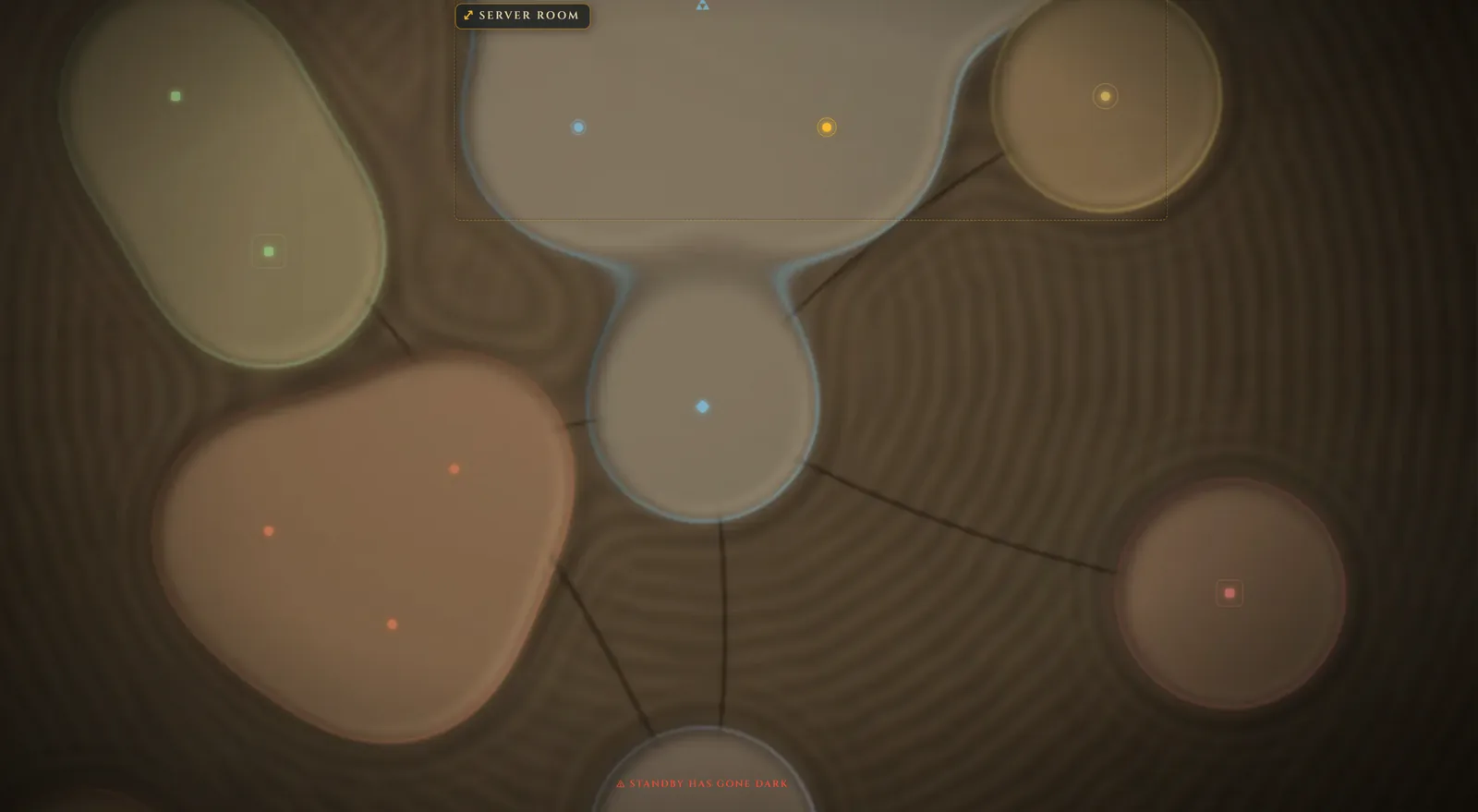
Hosts, services, networks, racks, certificates and scheduled jobs on one illustrated map, coloured with live health.
Why a map
Your network diagram is out of date. This one has a pulse.
Diagrams rot because nothing connects them to the machines. Atlas keeps the picture and the health in one place: the map turns amber or red with what your monitoring reports, and a source that goes quiet only takes its markers with it.
- Racks
- Resources
- Addresses
- Topology
- Calendar
- Certificate management
- Tripwires
- Event log
What it does
One map of everything
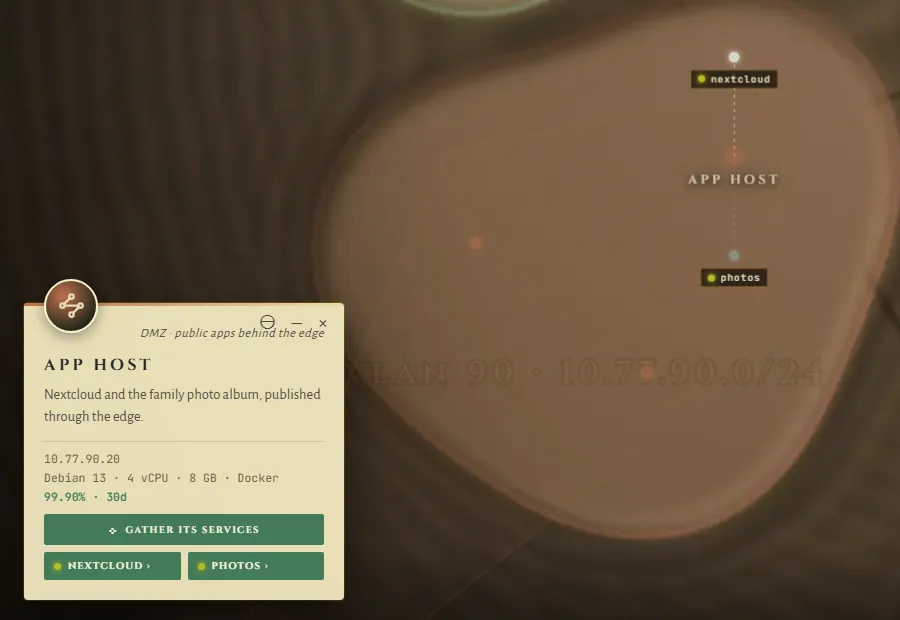
Places grouped into networks, the links between them and the services each one runs. Pan, zoom, search with /, and open any place.
Live health
Uptime Kuma turns the markers. Prometheus adds the numbers. The footer names what has gone dark, and what is only down because something upstream is.
Tripwires
Chart your honeypots and canary tokens, and the map lights the one that is touched. It also says so when a feed stops answering. Atlas never plants bait itself.
The details, drawn
IP addresses on real CIDR maths, racks in 2D and 3D, topology from the internet inwards, certificate expiry, and a calendar that notices when a job did not run.
Charted in the browser
A guided first setup and forms for every field. Fill it from a CSV, an nmap sweep or your router's DHCP leases. Recent changes can be undone.
Detailed maps
Zoom into a room or a rack and its own map takes over, with a link straight to it. Bring your own map art, or build one from an address.
Real sign-in
Local accounts with TOTP, directory sign-in over LDAPS, or single sign-on behind a proxy. Places can be hidden from people outside a group.
Lets your tools read it
A read-only MCP connection gives your AI tools the map, with a token you control and your hidden places left out.
Small to run
One container and one volume. No database server, no build step and no telemetry.
Chart it once. Watch it live.